Price Limiter
QuickShop provides a price limiter that lets you set minimum and maximum item prices on your server.
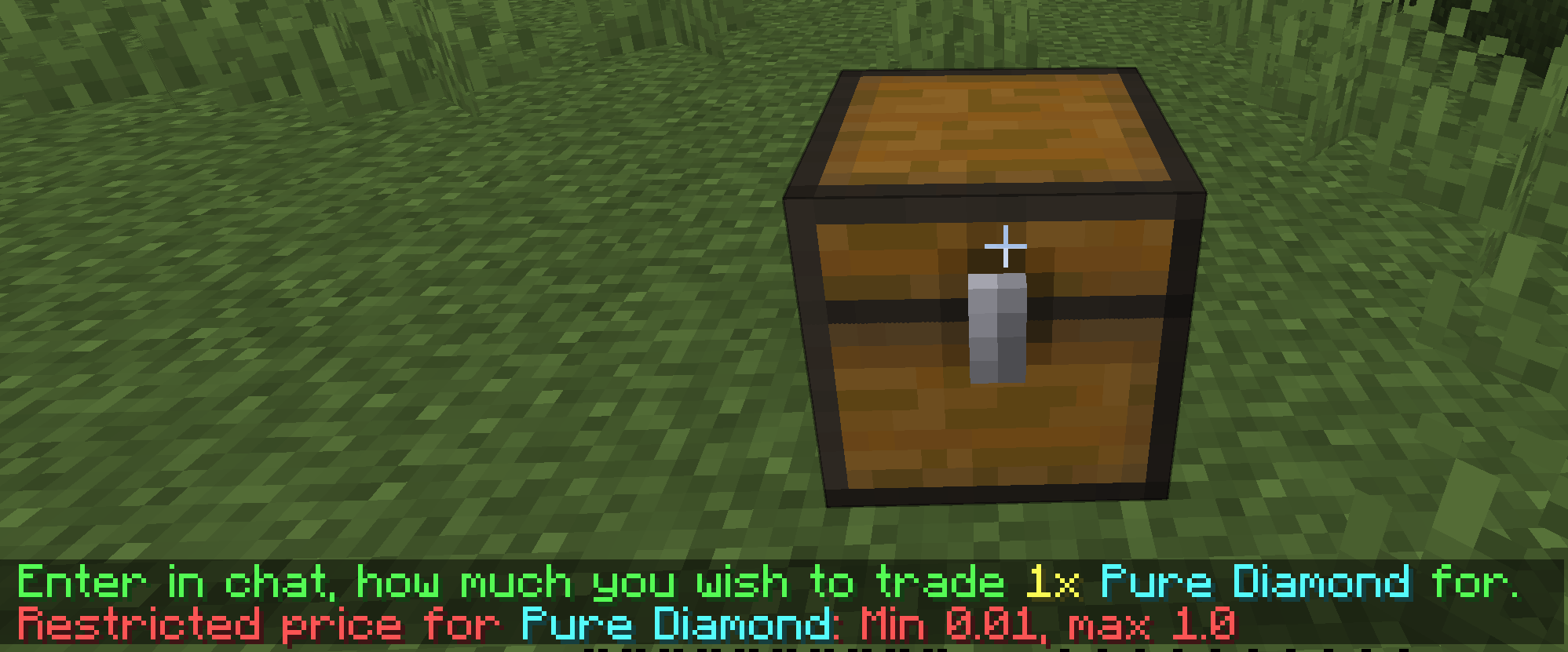
To edit the limit rules, you need to open price-restriction.yml file.
Enable the limiter
The limiter is disabled by default. Enable it before configuring the rules.
enable: true
Define global price limits
You can set separate minimum and maximum prices for selling and buying shops.
global: # These options are always enabled and are not controlled by the enable option
  selling:
    min: 0.01 # Can be zero if you want player create a free shop
    max: -1 # Actually this can be up to 1.7976931348623157E308
  buying:
    min: 0.01
    max: -1
Create a rule
All rules are under the rules section in configuration.
You can set the default scope for rules that do not define their own scope.
default-rule-scope: BUYING_AND_SELLING
Available scopes are BUYING, SELLING, and BUYING_AND_SELLING.
rules: # Rules set
  example1: # Rules name, used for identifier and permission node (quickshop.price.restriction.bypass.<name>)
    items:
      - STONE_SWORD
      - STONE_PICKAXE
      - STONE_AXE
      - STONE_SHOVEL
      - STONE_HOE
    currency:
      - '*'
    scope: BUYING_AND_SELLING
    min: 1.0
    max: 50.0

  example2:
    items:
      - GOLDEN_SWORD
      - GOLDEN_PICKAXE
      - GOLDEN_AXE
      - GOLDEN_SHOVEL
      - GOLDEN_HOE
    currency:
      - '*'
    scope: SELLING
    min: 10.0
    max: 100.0

  example3:
    items:
      - DIAMOND_SWORD
      - DIAMOND_PICKAXE
      - DIAMOND_AXE
      - DIAMOND_SHOVEL
      - DIAMOND_HOE
    currency:
      - '*'
    scope: BUYING
    min: 10.0
    max: 100.0
example1 and example2 are rule names. You may replace them with any clear, unique names.
scope controls whether the rule applies to buying shops, selling shops, or both. If it is not provided, default-rule-scope is used.
items is a list of the items to which the rule applies.
The item name can be:
- Bukkit Material Name
- Item Reference tag (add
@prefix)
The currency only works under Multi Currency mode.
min is the item's minimum price.
max is the item's maximum price.
All items in a rule share the same price limits. Create another rule to assign different limits.
🆕 Wildcard Support in Item Blacklist (6.2.0.11+)
QuickShop now supports wildcard pattern matching inside item configurations.
This allows you to block entire categories of items using simple patterns instead of listing every item manually.
Supported Wildcards
| Pattern | Meaning |
|---|---|
* | Matches any number of characters |
? | Matches a single character |
Case-Insensitive Matching
Pattern matching is case-insensitive.
*_axe
*_AXE
Both behave the same.
Example Usage
Instead of writing:
items:
  - WOODEN_AXE
  - STONE_AXE
  - IRON_AXE
  - GOLDEN_AXE
  - DIAMOND_AXE
  - NETHERITE_AXE
You can now simply write:
items:
  - "*_AXE"
More Examples
Block all spawn eggs:
items:
  - "*_SPAWN_EGG"
Block all swords:
items:
  - "*_SWORD"
Use single-character matching:
items:
  - "DIAMOND_SPAWN_EG?"
Important Notes
- Wildcard patterns apply to Material names.
- They do not replace Item Reference (
@reference) matching. - Patterns are evaluated during rule matching.
- Wildcards reduce configuration size and improve maintainability.
Permission
Players who have:
quickshop.price.restriction.bypass.<rule-name>
can ignore that rule's limitation.