Stacking Shop
QuickShop allows you to sell or buy multiple items in bundles.
Stacking shop
| Regular Shop | Stacking Shop |
|---|---|
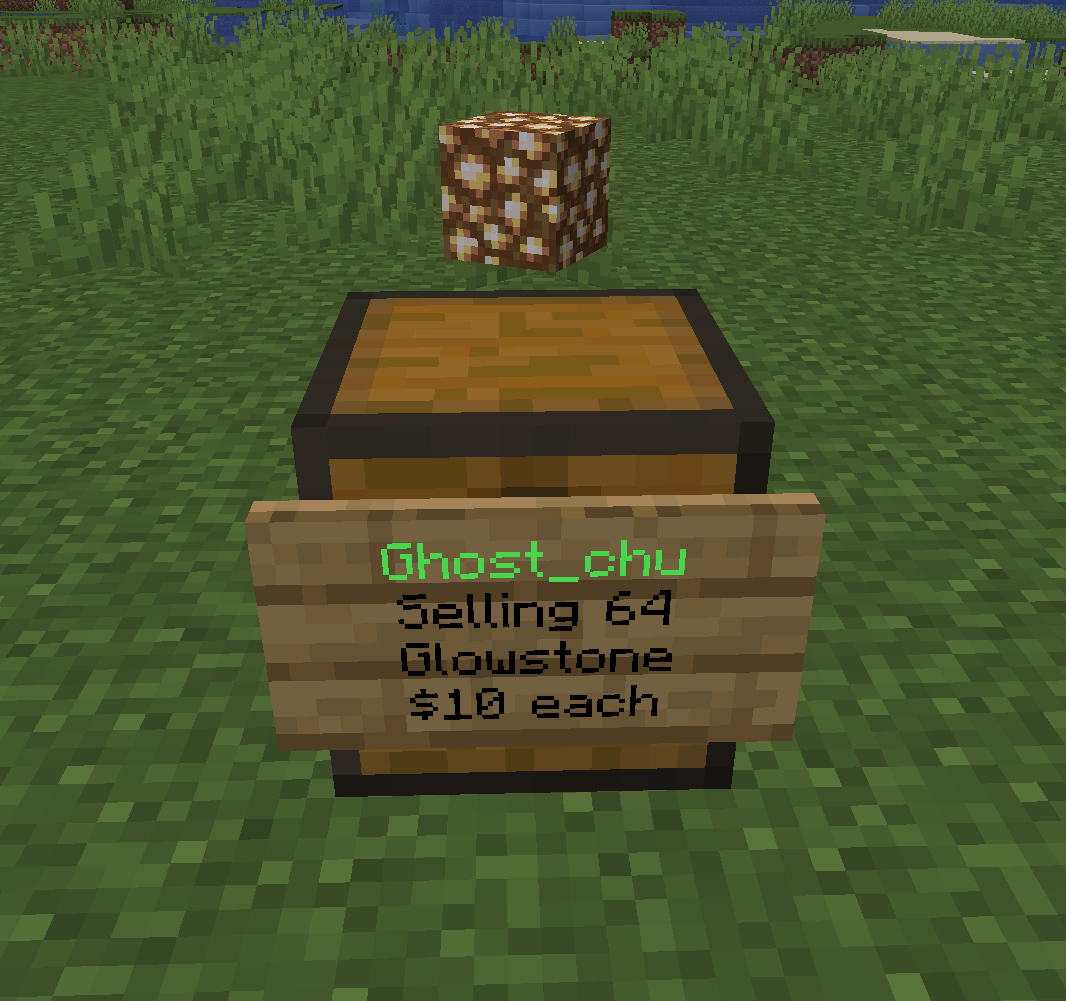 | 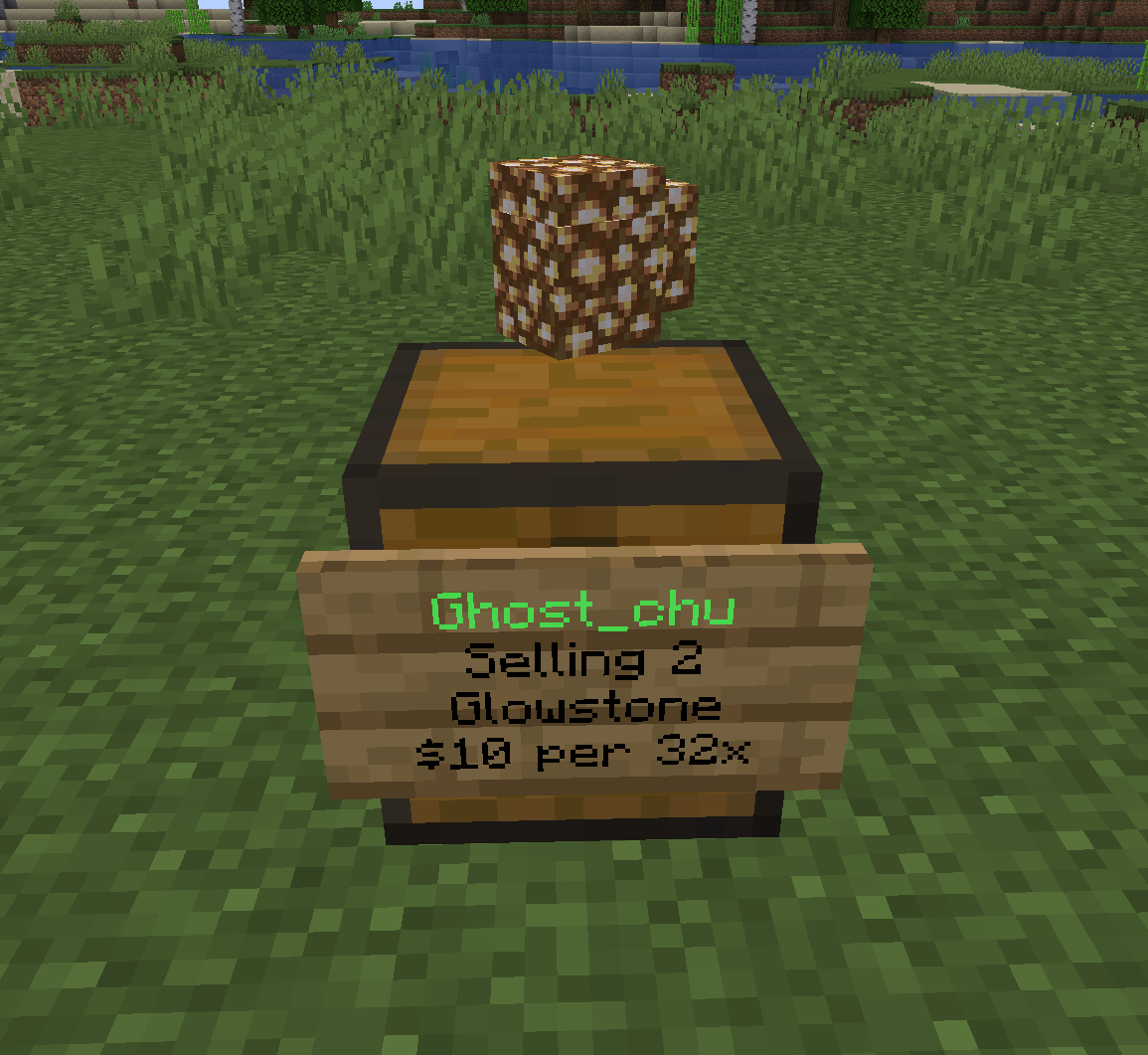 |
Configure
Stacking shop feature is disabled by default. To enable it, you need to configure config.yml.
shop:
  #Allow QuickShop to sell/buy multiple items in one transaction?
  allow-stacks: true
  #Allow displays to show stack effects when stack creation is turned on.
  #It doesn't work under Virtual DisplayItem.
  display-allow-stacks: true
By the way, create stacking shop need an extra permission which included in quickshop.player, you can check it in Permissions.
Create
To create a stacking shop, just like normal shop creation but holding multiple items in your hand like the image below:
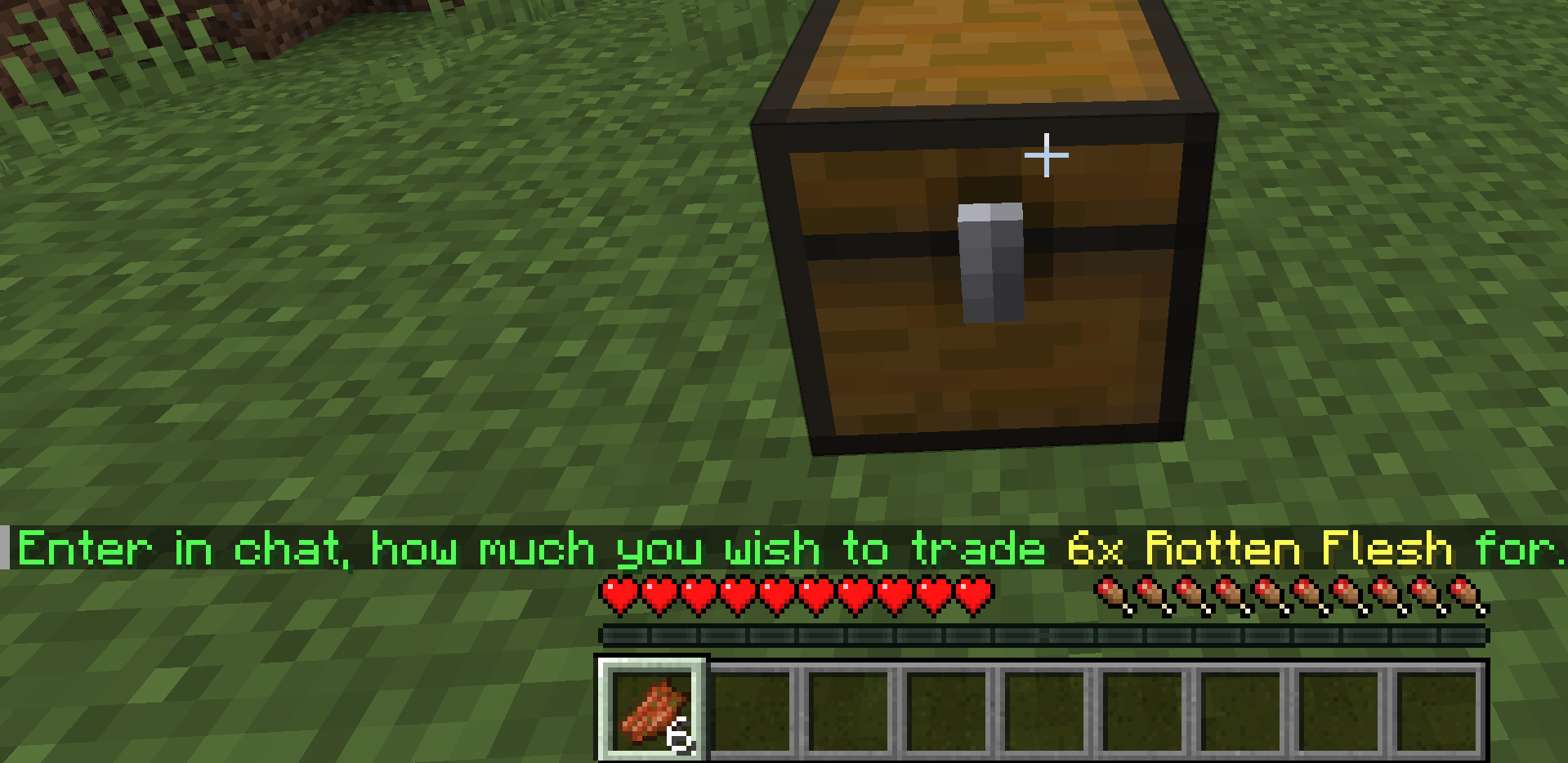
Then enter the price and go to go.
Note: The amount of items in one stack cannot up over the Item's max stacksize due Minecraft limitation.
Change the amount for stack
To change the amount of item in your stacking shop, use command /quickshop size <newamount>.